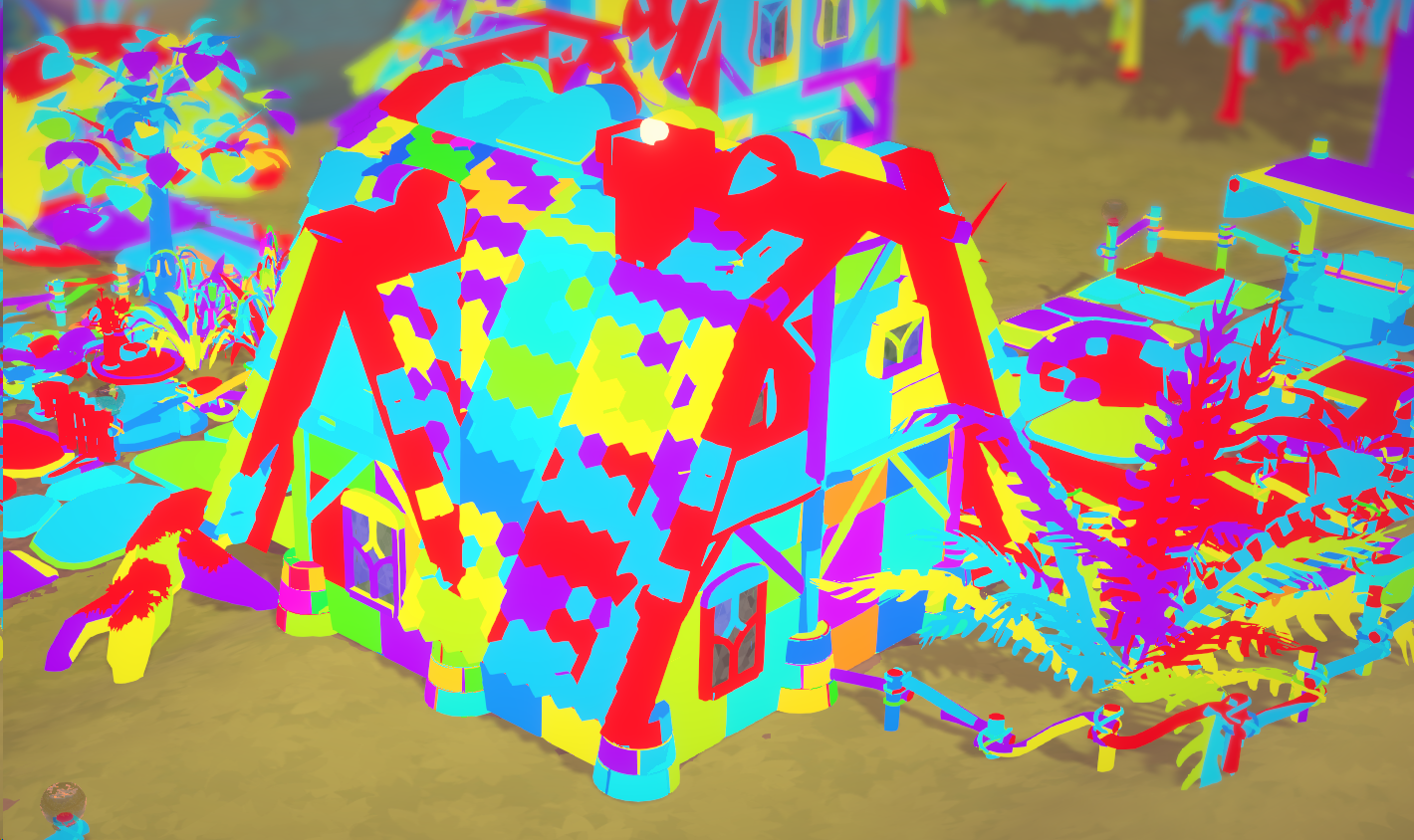
We've recently started working on Mac support for Croakwood. While there's still some work left to do it's generally working now, but the performance initially wasn't quite as good as we were hoping. So we investigated what's going on and here's the story of what we found :)
When rendering a game, the CPU needs to tell the GPU what it's supposed to draw, so it needs to send a long list of instructions to the graphics card that say which material you want to use for drawing and what mesh you want to draw. So it's something roughly like this: "I want to draw something that looks like stone; I want to draw the round_stone mesh; I want to draw something that looks like stone; I want to draw another round_stone mesh somewhere else; I want to draw something that looks like stone; I want to draw the angular_stone mesh; I want to draw something that looks like wood; etc".
Having to do this for every single object would be quite a long list. Putting together this list, submitting it to the GPU and having the GPU work through it takes some time.
As an optimization Unity has something called "instancing". With this, instead of submitting every object you want to draw individually, it submits a list of positions for each mesh you want to draw. This allows to shorten the instruction list to "I want to draw something that looks like stone; I want to draw the round_stone mesh in the following locations: A, B, C; I want to draw something that looks like stone; I want to draw the angular_stone mesh in the following locations: D, E, F; I want to draw something that looks like wood; ...".
This is quite a bit faster than submitting each object individually, but if you want to draw many different meshes it's still adds up to quite a lot. Creating and submitting all these render instructions was one of the biggest performance costs for Parkitect, so speeding this up was a big priority for us for Croakwood.
On "modern" systems (pretty much anything produced in the last ~10 years or ~5 years for Mac) there's support for what's called "multi-draw", which allows us to submit a list of all the different meshes we want to draw with a certain material in one go. This shortens the instruction list to something like "I want to draw something that looks like stone; I want to draw the round_stone mesh in the following locations: A, B, C; I want to draw the angular_stone mesh in the following locations: D, E, F; I want to draw something that looks like wood; ...".
Luckily Unity just added support for multi-draw when we started working on Croakwood. Weirdly they didn't simply automatically use it wherever possible, but they added a method where you can manually say what you want to render and then according to the documentation it would use multi-draw on modern systems and fall back to instancing on older systems. That was perfect for us and so we used it.
When we were looking into why the Mac version wasn't performing that well we noticed that the rendering was the main issue. Rendering performance isn't the greatest even on modern Macs so that wasn't all too surprising, but it was still slower than what we expected. We were testing on a M1 Mac Mini that should have support for multi-draw, but we noticed that it wasn't using multi-draw, it was using instancing.
We checked the Windows version of the game on a modern system... and it wasn't using multi-draw either.
Weird! Clearly we must have been doing something wrong, but we couldn't figure out what it was.
We headed to the Unity forums for help and found a thread where other people had noticed this problem as well and had reported it to Unity, and as it turns out... the documentation was wrong. There's no support for multi-draw in Unity at all. Oof :/
Looking around for solutions, someone had built a plugin to add support for multi-draw to Unity, which is amazing!
We didn't want to be dependent on a plugin that might break in newer Unity versions though and ultimately came up with a solution ourselves that isn't true multi-draw but should have fairly comparable performance, at least on the CPU side.
This got the game to run at about 58 FPS instead of 30 on the M1 Mac Mini.
Still not quite perfect and there's some more work to do, but a huge improvement :)
There's surely good reasons for why Unity aren't supporting multi-draw yet but it is a bit sad since it seems like a relatively easy way to significantly improve performance in many games.
Hopefully they add it in the future, and then we should be able to switch to it easily. Until then our solution gets the job done and we can move on to other tasks.
Our multi-draw alternative
If you're interested in the technical details:
We're using one call to RenderPrimitivesIndirect per material that we want to render. We have a compute shader that does frustum culling and LOD selection (Unity does this on the CPU, which also costs a lot of time. We need the CPU for our town simulation though). It sums up the vertex count of all visible meshes for the given material.
The difficulty is that once we get to the vertex shader we only get a vertex index but don't have any information to which mesh it belongs.
To solve this, our compute shader also builds a mapping table that says which mesh a vertex belongs to. Obviously it would be quite wasteful to have one entry in this table per vertex, so our mapping table only contains one entry covering a certain amount of vertices at once. We ended up choosing one entry per 384 vertices. This means there is a bit of waste because the total sum of vertices we need per material is of course not always divisible by 384, so we are discarding some unnecessary vertices in the vertex shader.
This isn't ideal, but the amount of vertices we discard isn't super high in the end, and doing this is still much faster than simple instancing.